

Drive Image
Create an image of your entire hard drive that includes your files, applications and operating system.

Full
Create a compressed zip file of your files and folders.

Mirror
Create an exact mirror copy of your files and folders ( no compression ).

Differential
Create a backup of any changes since the last full backup.

Incremental
Create a backup of any changes since the last backup. The last backup can be of any type.
Events
One Click
Schedules
Events

Create a backup when your computer starts up, resumes power or when a storage device is connected.
One Click

Run your backups manually, literally one click away.
Schedules

Create a backup or test schedule that runs once, daily, weekly or monthly.

English

Français

Русский

Deutsch

Italiano

Polskie

Türkçe

中文(台灣)
"Very easy to use and the available options were great for a novice who had never used a backup program before. Made me feel at ease and confident."

John Halls
Self Employed - Adelaide, Australia
"Great program and fair upgrade process, that has allowed me to stay current and keep my files secured."

David Medlin
IT Field Tech - Redding, California
Actions
Compression
Filters
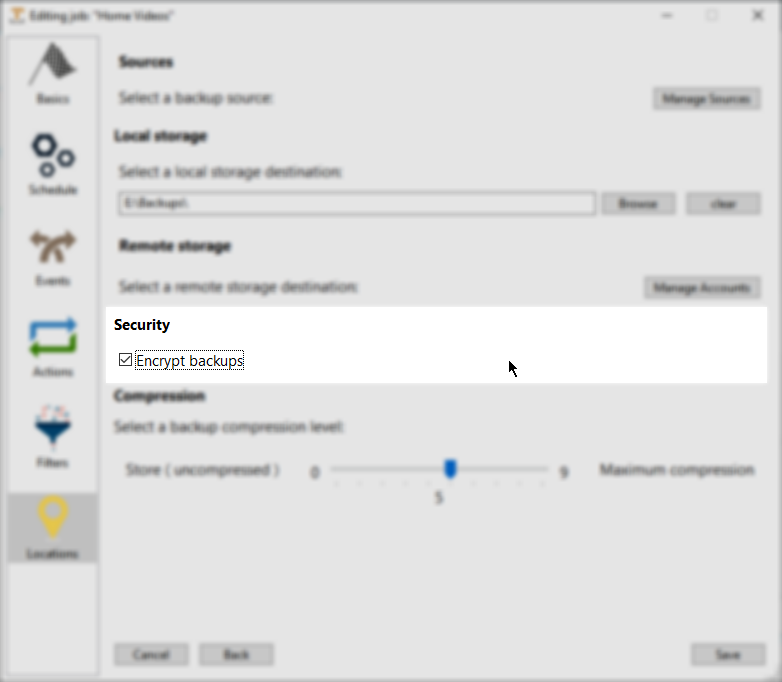
Encrypt Backups
Actions
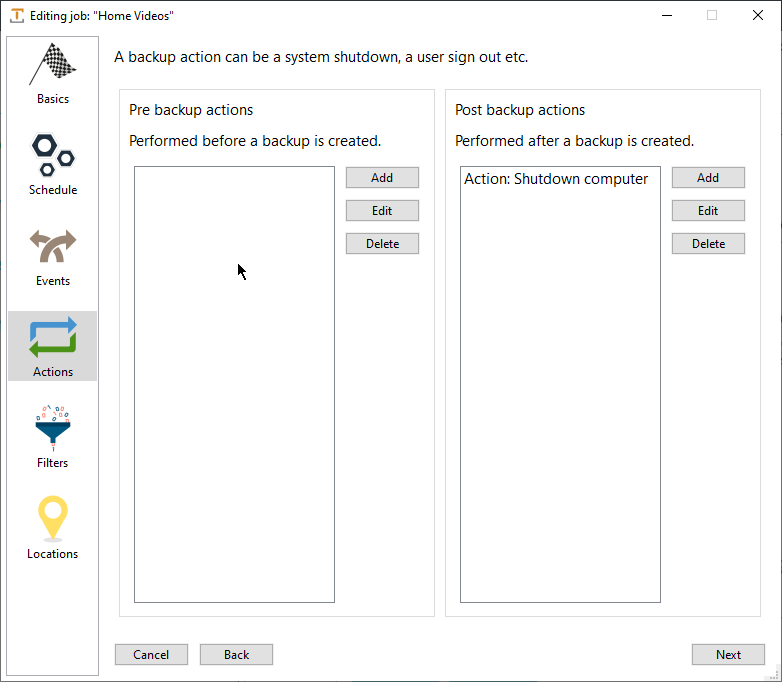
Add actions that run before or after a backup – shutdown, log off or run a command.
Compression
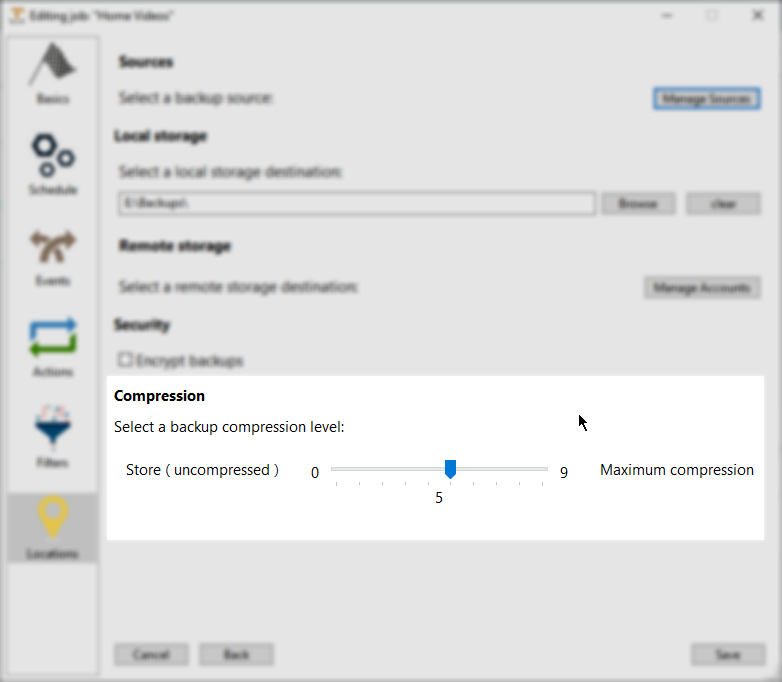
Compress your backups to save storage space.
Filters
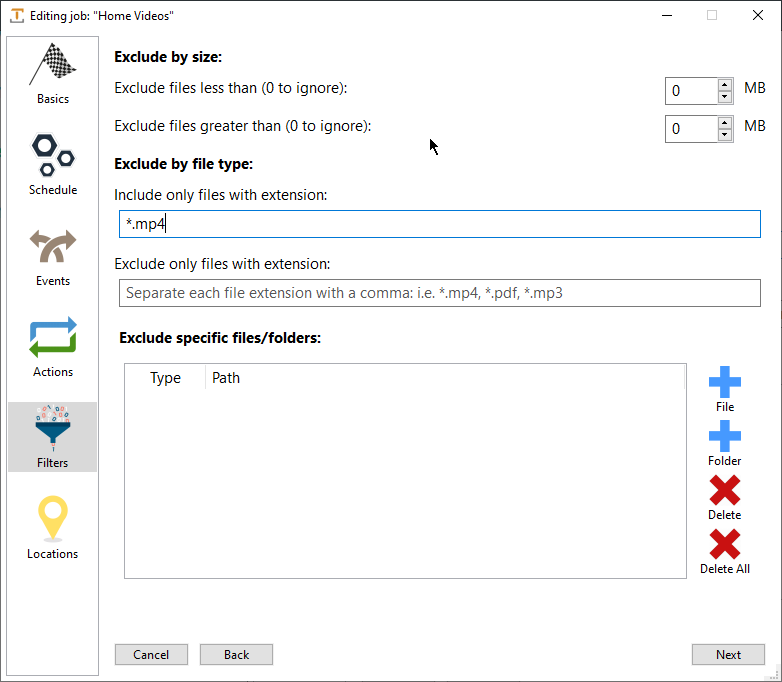
Include or exclude files based on file type or file size.
Encrypt Backups